
Health & Formulas
The Health view (accessible from the top navigation) contains two tabs: Checks and Formulas.
Checks
The Checks tab runs a set of bd diagnostic commands against the connected project and shows pass/fail results for each one. Checks run automatically when you first open the Health view.
| Check | Command | What it catches |
|---|---|---|
| Preflight | bd preflight | Combined pre-PR gate (lint + stale + orphans) |
| Doctor | bd doctor | Project-level health problems |
| Lint | bd lint | Issues missing required fields or in bad state |
| Stale | bd stale | Issues with no recent activity |
| Orphans | bd orphans | Issues with broken or circular dependencies |
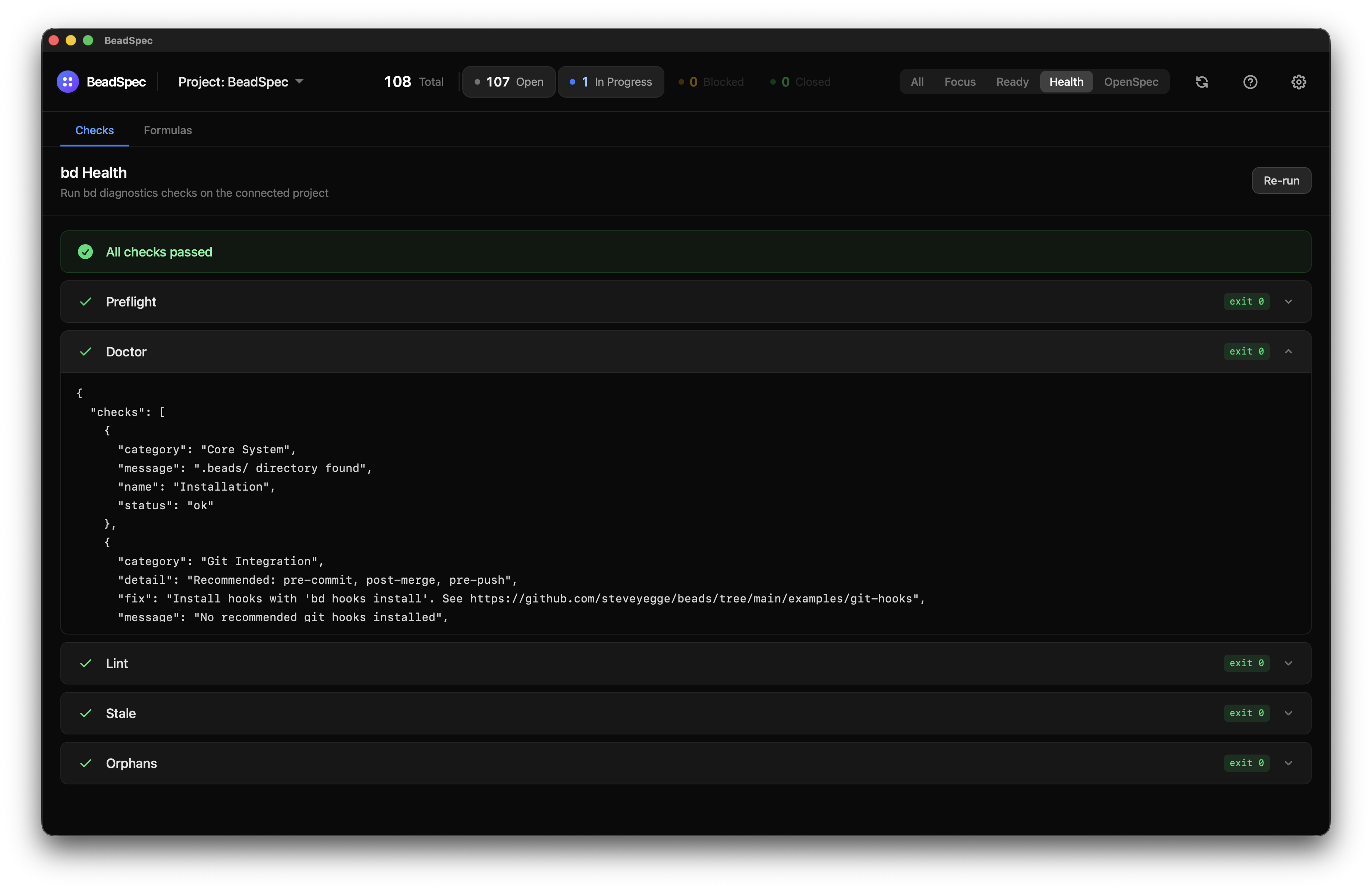
Each check shows a green tick (pass), red cross (fail), or spinner (running). Click a check row to expand the full output from bd.
Click Re-run in the top-right to re-run all checks.
When bd is not found
If the bd CLI is not configured, the Checks tab shows a warning instead of results. Fix this in Settings → Binary Paths → bd or ensure bd is on your PATH.
Formulas
The Formulas tab lists the bd workflow formulas available for the connected project (bd formula list). Formulas are reusable workflow templates that bootstrap structured work.
To pour a formula:
- Find the formula you want in the list
- Click Pour
- Confirm in the dialog that appears
- Output from
bd mol pour <name>is shown inline after execution
If the pour fails, the error output is shown in red. If it succeeds, the output is shown in neutral — your project now has the issues and structure the formula created.
Click Refresh to reload the formula list if you've added new formulas externally.