
Command Palette
The command palette gives you keyboard-first access to tasks, views, and actions from anywhere in the app.
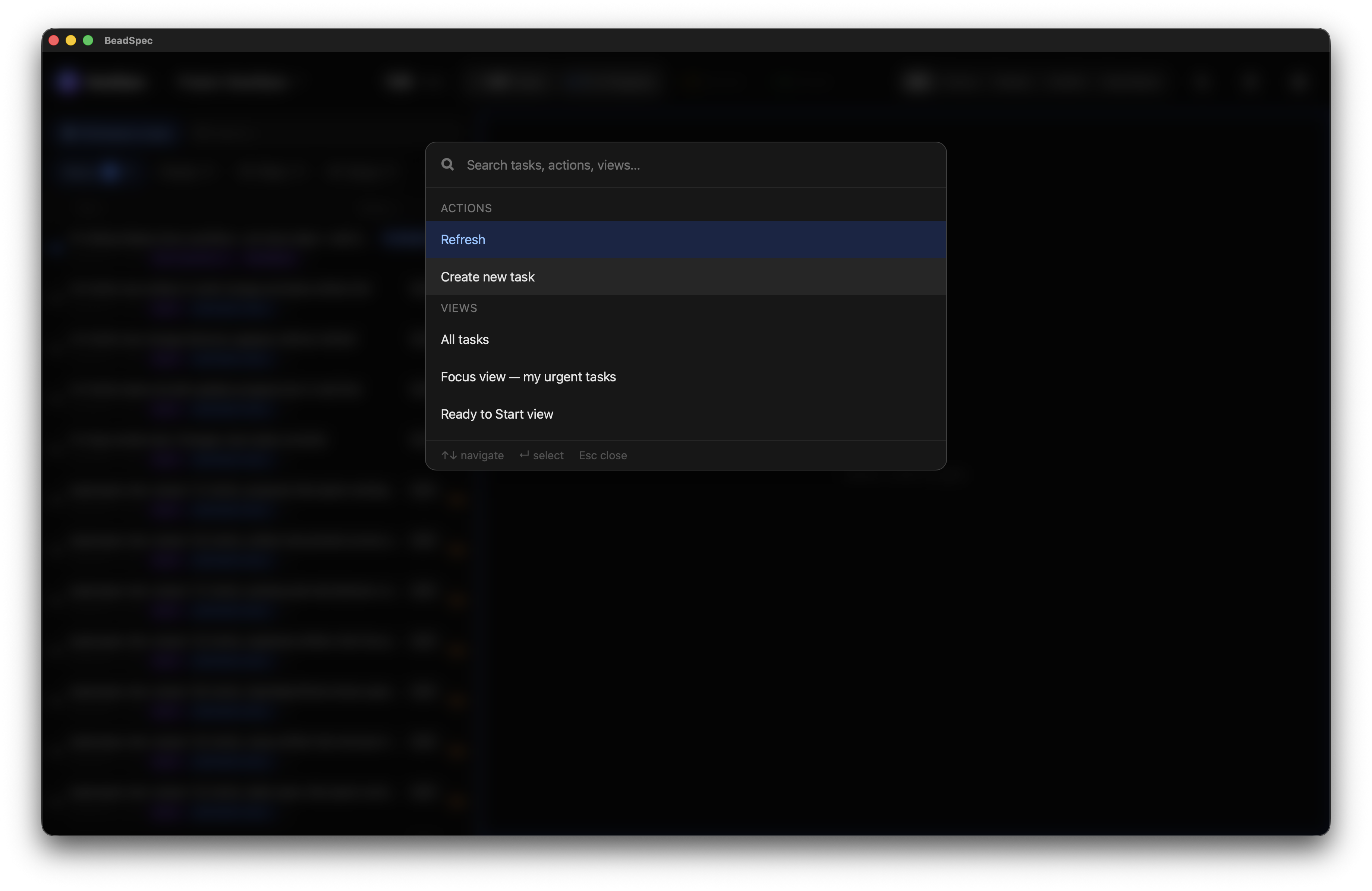
Opening
Press ⌘K (macOS) or Ctrl+K (Windows/Linux) from anywhere in the app. No input field needs to be focused.
What you can do
Type to fuzzy-search across three categories:
Tasks — searches issue titles and IDs. Select a result to open that issue's detail tab.
Views — jump directly to All tasks, Focus view, or Ready to Start.
Actions — run app-level actions:
- Refresh — invalidate all cached data and re-fetch from Dolt
Note: The "Create new task" action is listed but is not yet wired up. Use the
Nshortcut or the+button in the task list to create issues.
Navigating results
| Key | Action |
|---|---|
↑ / ↓ | Move through results |
Enter | Run selected item |
Escape | Close palette |
Results update as you type. Task search is live — queries are sent to the Dolt SQL backend as you type (debounced).